Dragble
99 MCP tools · Live today · No waitlist

The AI-native email builder
your agents can drive.

Connect Claude Code, Cursor, any MCP client, or your own AI backend to Dragble's email, page, and popup builder. 99 tools, routed to the live editor for production-ready HTML every time.

99
MCP tools registered
4
Frameworks supported
< 2min
To integrate

Renders correctly in

GmailOutlookApple MailYahoo MailiOS MailAndroid MailSamsung EmailThunderbird

Works with

ReactVue 3AngularVanilla JS

99 tools · Available today · No waitlist

The only email builder MCP server open to everyone.

Connect Claude Code, Cursor, OpenCode with a client key, or your own AI backend with a backend key. Dragble provides the tools layer; the live editor executes every design action from the same 99 registered tools.

Live editor mode

Open Dragble, pair from an MCP client with a client key, and watch edits land on the canvas in real time. Your user can keep editing after.

Backend-managed live sessions

No pairing code for end users. Your own AI backend connects with the backend MCP key and routes tool calls into the live editor session your frontend started.

99 registered tools

Build from prompt, apply brand systems, run accessibility audits, rollback to checkpoints—every editor action is a discrete tool call your AI can chain.

Production-ready HTML out the box

Every template passes email-client rendering in Gmail, Outlook, Apple Mail, and 5+ more. No post-processing, no copy-paste, no cleanup.

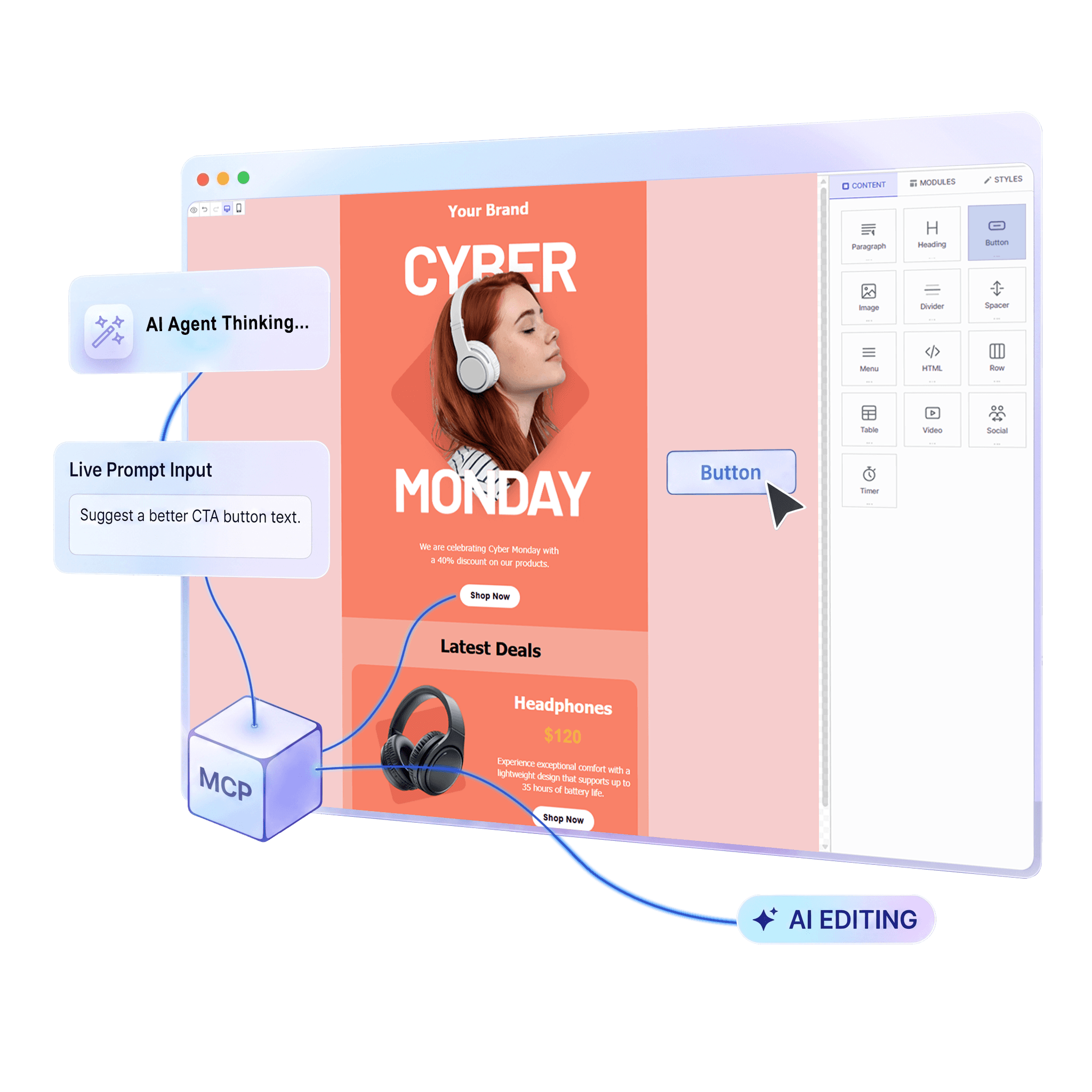
Claude Code driving the Dragble email editor via MCP in real time
Email client tested

Renders perfectly everywhere

Every template exports clean, inlined HTML that works across all major email clients — no extra work required.

Gmail
Outlook
Apple Mail
Yahoo Mail
iOS Mail
Android Mail
Samsung Email
Thunderbird

Features

Everything your product needs
to offer great email creation

A complete drag-and-drop email builder embedded inside your product. No external tool, no broken UX handoff.

Works in every email client

Templates render pixel-perfectly in Gmail, Outlook (2007–2021), Apple Mail, Yahoo, iOS, Android, and Samsung Email — out of the box.

Visual editor simplicity

14 content blocks users place on a visual canvas — text, images, buttons, social icons, video thumbnails, timers, forms, and more.

Built-in AI writing tools

Smart text generation, subject line suggestions, AI image creation, and auto alt-text. Your users write better emails, faster.

Merge tags & dynamic content

Insert personalisation tokens — {{first_name}}, {{company}} — and display conditions that show/hide blocks per recipient.

Export to any ESP

One API call returns clean, inlined HTML ready for Mailchimp, SendGrid, HubSpot, Klaviyo, or any other ESP.

One SDK, four frameworks

React, Vue, Angular, and Vanilla JS. TypeScript-first. Automatic updates. Zero backend required.

Export clean HTML directly to →MailchimpSendGridHubSpotKlaviyoBrevoPostmarkAny ESP

Three modes. One integration.

Email. Page. Popup.

Switch between all three editor modes with a single prop. Same SDK, same API, same great experience.

Email Builder

Drag-and-drop email templates that render in every inbox.

14 drag-and-drop content blocks
Responsive mobile layouts
Merge tags & dynamic content
Export to any ESP — Gmail, Mailchimp, SendGrid
AMP for Email support
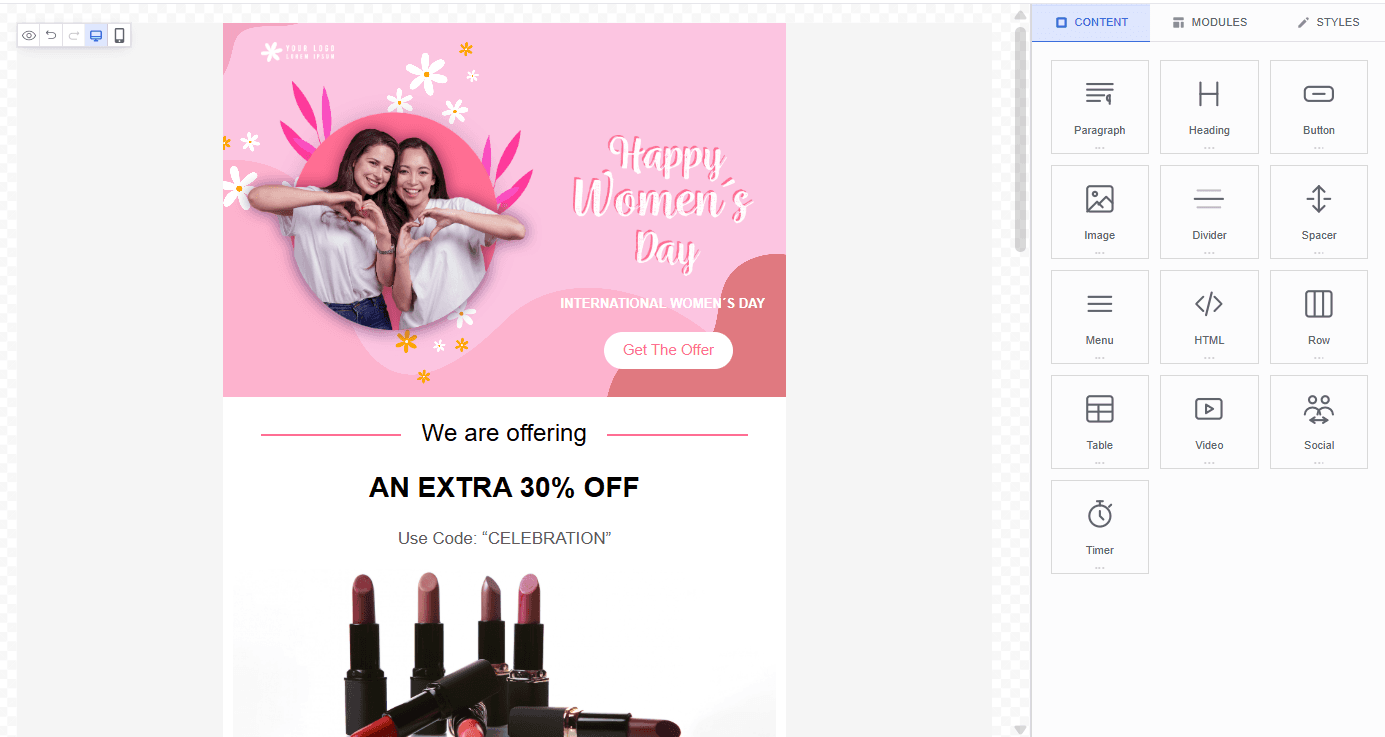
Dragble email editor — drag-and-drop email template builder

How it works

From install to live editor
in under 2 minutes

No backend required. No complex configuration. Your product has a full email builder on day one.

01

Install in seconds

One npm command adds the full editor to your project. React, Vue, Angular, or Vanilla JS — pick your framework.

bash
npm install dragble-react-editor
02

Drop in the component

Three props. That's it. The editor handles everything — drag-and-drop, image uploads, AI, exports.

tsx
import { DragbleEditor } from 'dragble-react-editor';

<DragbleEditor
  editorKey="px_your_key"
  editorMode="email"
  minHeight="600px"
/>
03

Export pixel-perfect HTML

One call returns clean, inlined HTML. Send it to Mailchimp, SendGrid, HubSpot — or any ESP your product uses.

ts
const html = await editor.exportHtml();

// Renders perfectly in Gmail, Outlook,
// Apple Mail and every major email client
That's it. Your product now has a full email builder.

TypeScript-first. Automatic updates. No backend required. Email templates that render perfectly in Gmail, Outlook, Apple Mail, and every major client.

Works with

Reactdragble-react-editor
Vue 3dragble-vue-editor
Angulardragble-angular-editor
Vanilla JSCDN script tag

FAQ

Common questions

Everything you need to know before integrating Dragble.

Yes. Dragble provides an MCP server and 99 registered editor tools—available to all developers with no waitlist, no closed beta, no application required. Dragble does not provide a hosted AI backend for MCP. Connect Claude Code, Cursor, OpenCode, or any MCP-compatible client with a client pairing key, or build your own AI backend with a backend MCP key. Tool calls route to live editor sessions, and your backend can own the LLM loop with your AI provider key (OpenAI, Anthropic, or Google). See dragble.com/mcp for setup guides.

Get started today

Your product deserves a better email builder

Give your product drag-and-drop email creation that works in Gmail, Outlook, Apple Mail, and every email client. Integrate in minutes.

Free plan available · 14-day trial on paid plans